Verisco
VERISCO Shield · IAM & Zero Trust Access

Enterprise identity for an application that already has users.

Add SSO, MFA, device posture, network policy and audit logging to a running application, without migrating a single account.

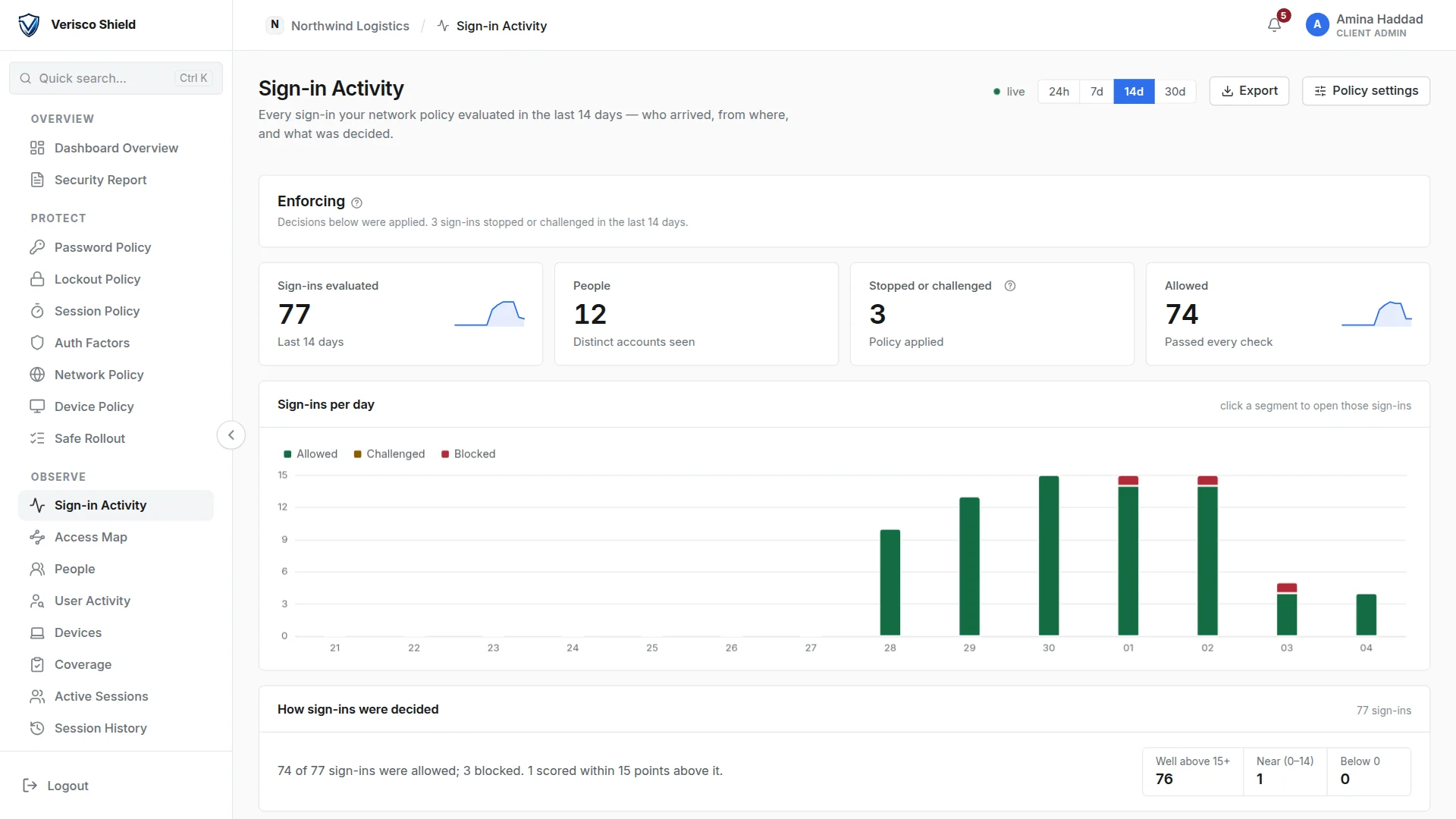
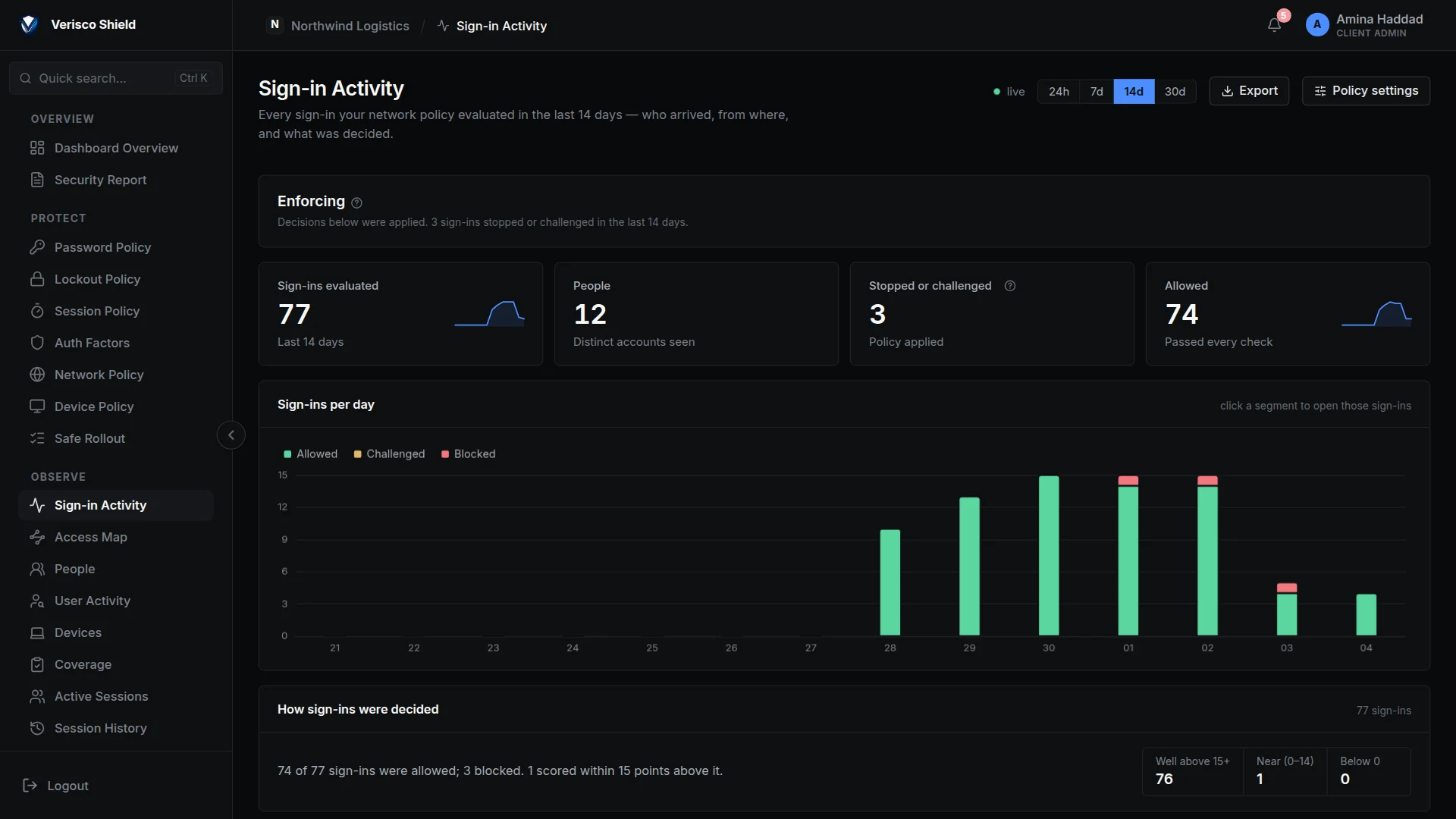
The VERISCO Shield console: sign-in activity for the last 14 days, 77 sign-ins evaluated, 3 stopped by policy. The VERISCO Shield console: sign-in activity for the last 14 days, 77 sign-ins evaluated, 3 stopped by policy.
Fig. 0.1 — The Shield console: two weeks of sign-ins, what was allowed and what the policy stopped.
262 HTTP routes
151 Automated test suites
17 Background jobs
13 Network signals scored

Counted from the source code, not quoted from a README.

Shield in 60 seconds

One sign-in, from the password to the audit log.

Watch a sign-in checked against the client's own database, judged on its network and its device, finished with a second factor, and written into a log anyone can verify. The blocked sign-in is a real one, made through Tor against our own deployment.

Fig. 0.2 — A one-minute film built from real values. No sound.
The problem

Two bad options.

Adding SSO, MFA, brute-force protection, device checks and audit logging to an application that already has its own users normally means one of two things.

Rewrite the auth layer
Every route, every session assumption, every password-reset path. Months of work on code that already works, and a migration window you cannot roll back through.
Migrate every account
Export the user table into an identity provider and hope the password hashes survive the trip. If they do not, every one of your users is locked out at once.

Both are expensive, and both are irreversible.

The mechanism

Four steps, and the third one is a read.

Shield terminates the login at the edge, verifies against the store you already own, and hands your application a signed claim it checks locally with no round trip. Select a step to follow it through the diagram.

request path
1 2 3 · READ 4 Browser a person signing in Caddy + auth-injector TLS · OIDC · signs the cookie Keycloak one realm per tenant Your own user store MySQL or LDAP · never written Your application verifies the claims locally
Fig. 1 — A sign-in, end to end. Step 3 is the load-bearing one.

Take VERISCO away and the application still has all of its users.

Read-only is the default in code, not a configuration you have to remember, and an automated test fails if the write gate ever opens by default.

The sign-in page

The page your users see carries your name.

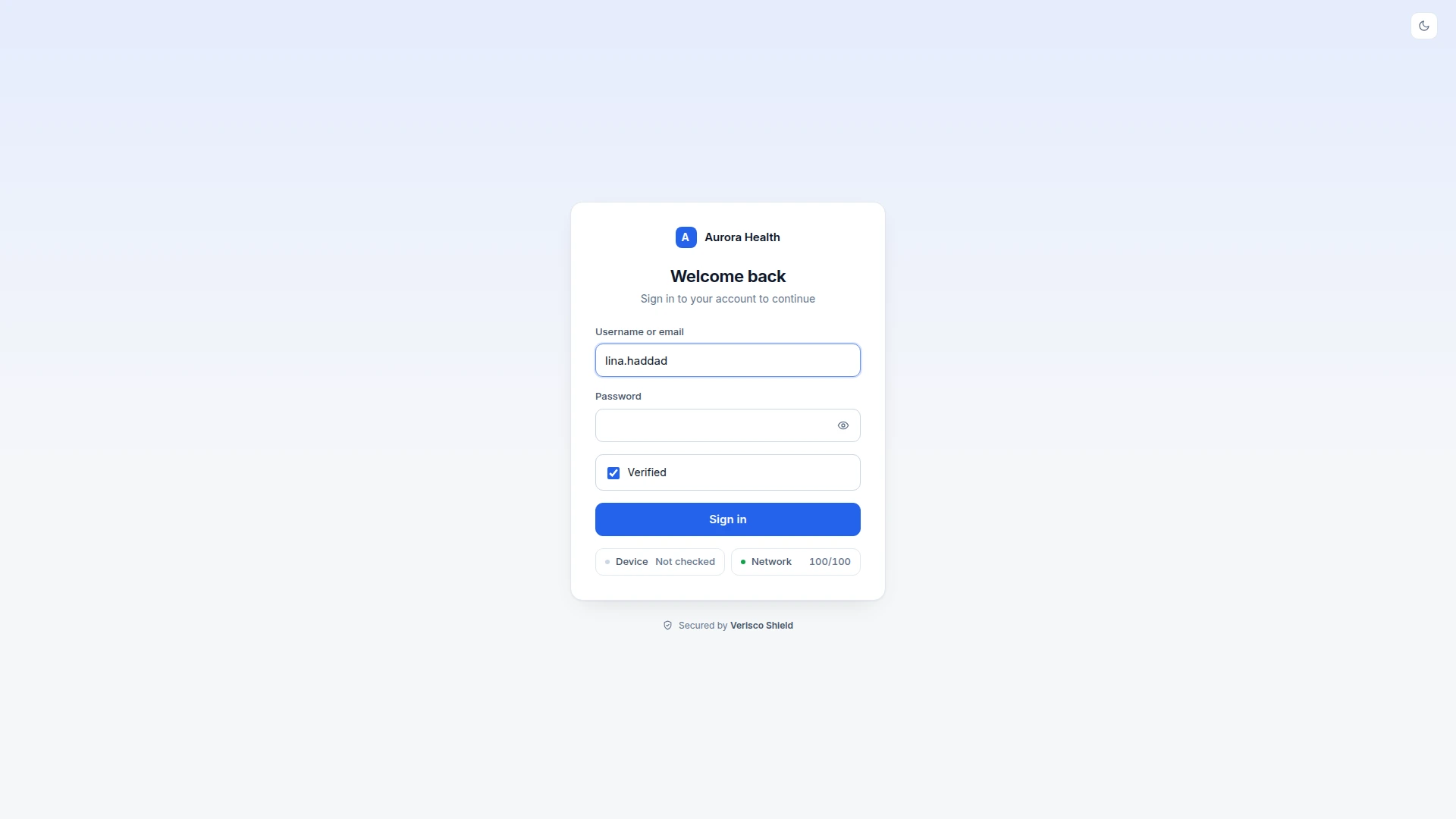
Every client gets its own sign-in page with its company name, logo and colour, in light and dark. It checks the password against your directory and shows the person what is being checked about their device and their network.

  • Five captcha providers. ALTCHA and mCaptcha run on our own servers; hCaptcha, Cloudflare Turnstile and reCAPTCHA are there for clients who already use them.
  • Lockout built in. Repeated failures lock the account for a while, and an address that keeps failing is blocked for a time.
  • A refusal says why. When the policy refuses a sign-in, the page names the reasons and gives a reference the client can find in its own log.
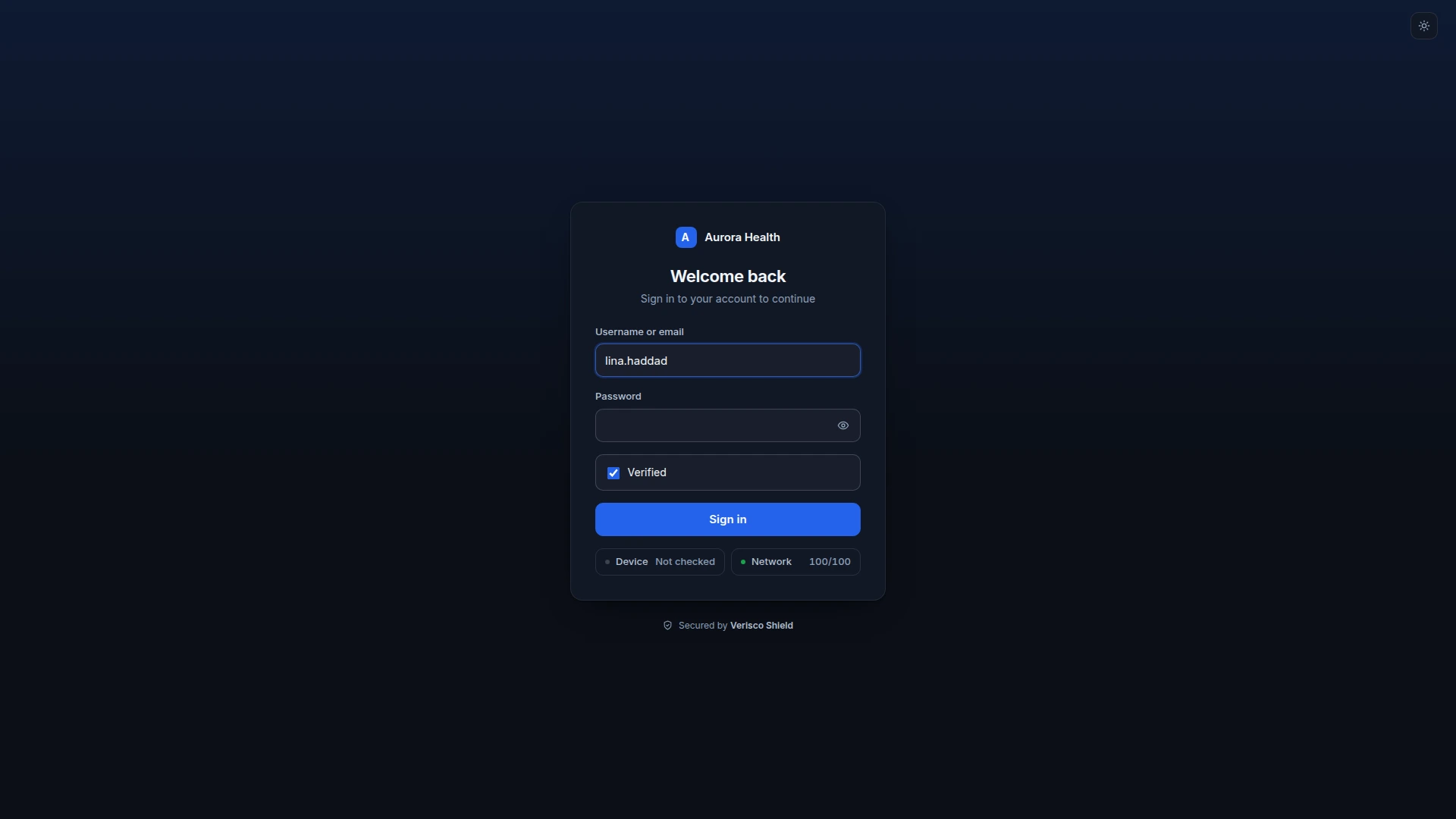
A tenant sign-in page: the company name at the top of the card, username and password, a verified captcha, the Sign in button, and the device and network checks below it. A tenant sign-in page: the company name at the top of the card, username and password, a verified captcha, the Sign in button, and the device and network checks below it.
Fig. 2 — A client sign-in page, with its device and network checks.
Network policy

Every sign-in is judged, not just the password.

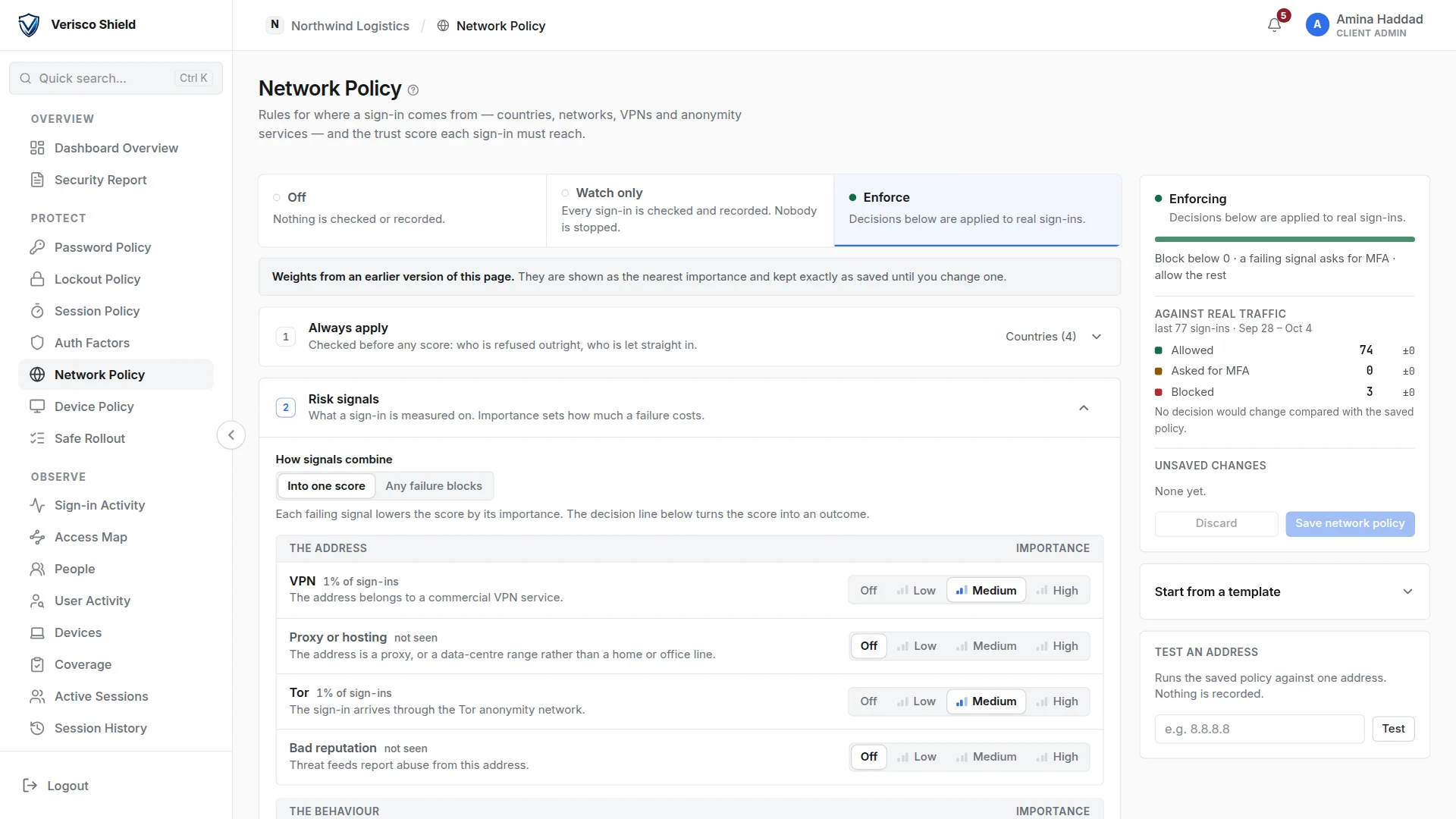
A deterministic engine scores where each sign-in comes from: country, network operator, address ranges, VPN, proxy, Tor, known-bad addresses, time zone and impossible travel, thirteen signals in all. Each one carries a weight, and a decision line turns the score into allow, a second factor, or a refusal.

  • Watch before you enforce. In watch mode every decision is recorded and nobody is stopped, so a client sees what a rule would do against its real traffic first.
  • A real refusal. The same account signed in through Tor scored 15 against a line of 67: Tor detected, travel at 99,382 km/h, a first sign-in from Germany.
  • Test an address. Any address can be run through the saved policy from the page, without touching the live one.
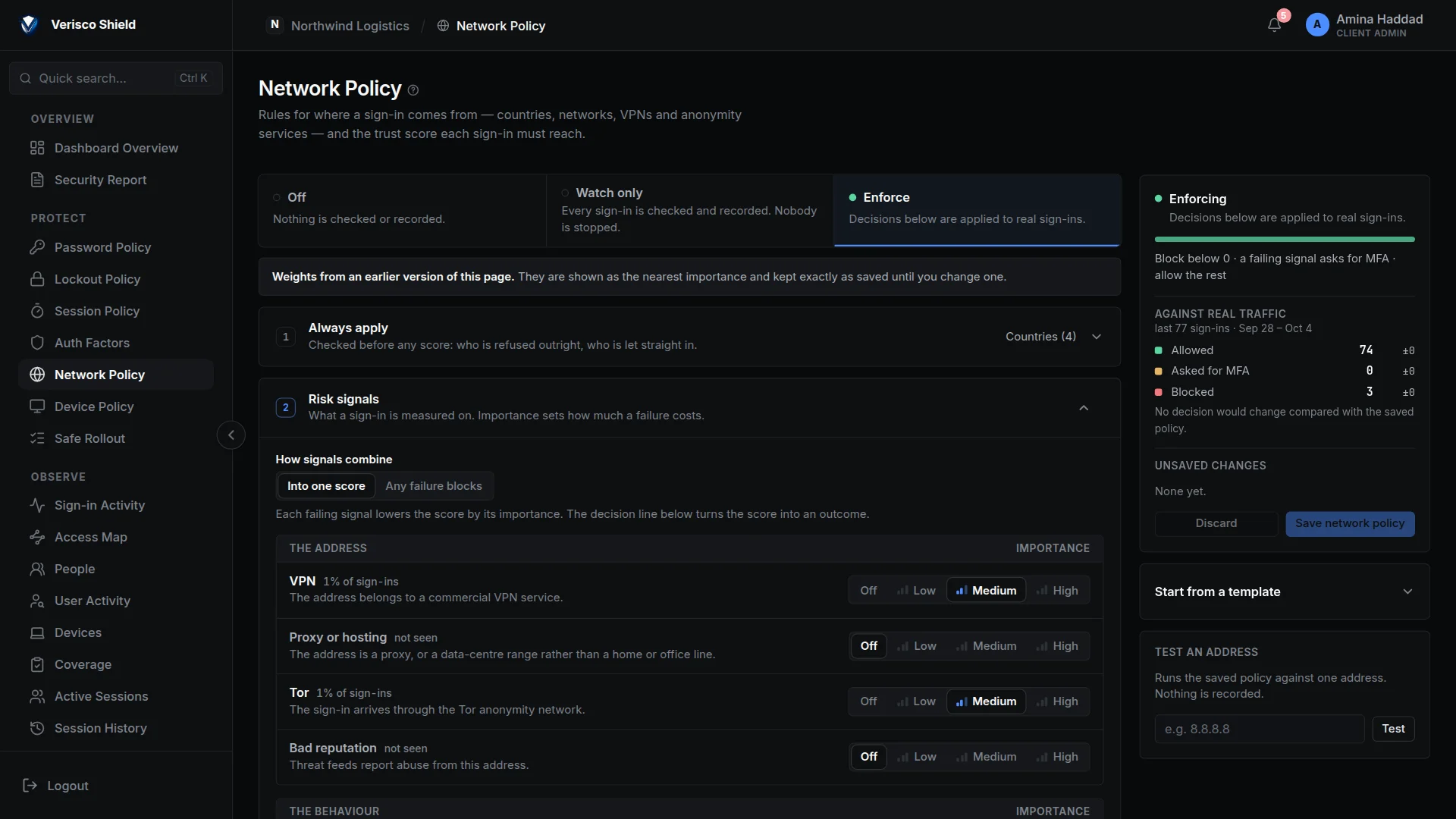
The Network Policy page in enforce mode, with the risk signals and their importance on the left and the effect against real traffic on the right. The Network Policy page in enforce mode, with the risk signals and their importance on the left and the effect against real traffic on the right.
Fig. 3 — The network policy: signals, their weight, and the effect on real sign-ins.
Device posture

And the computer it comes from.

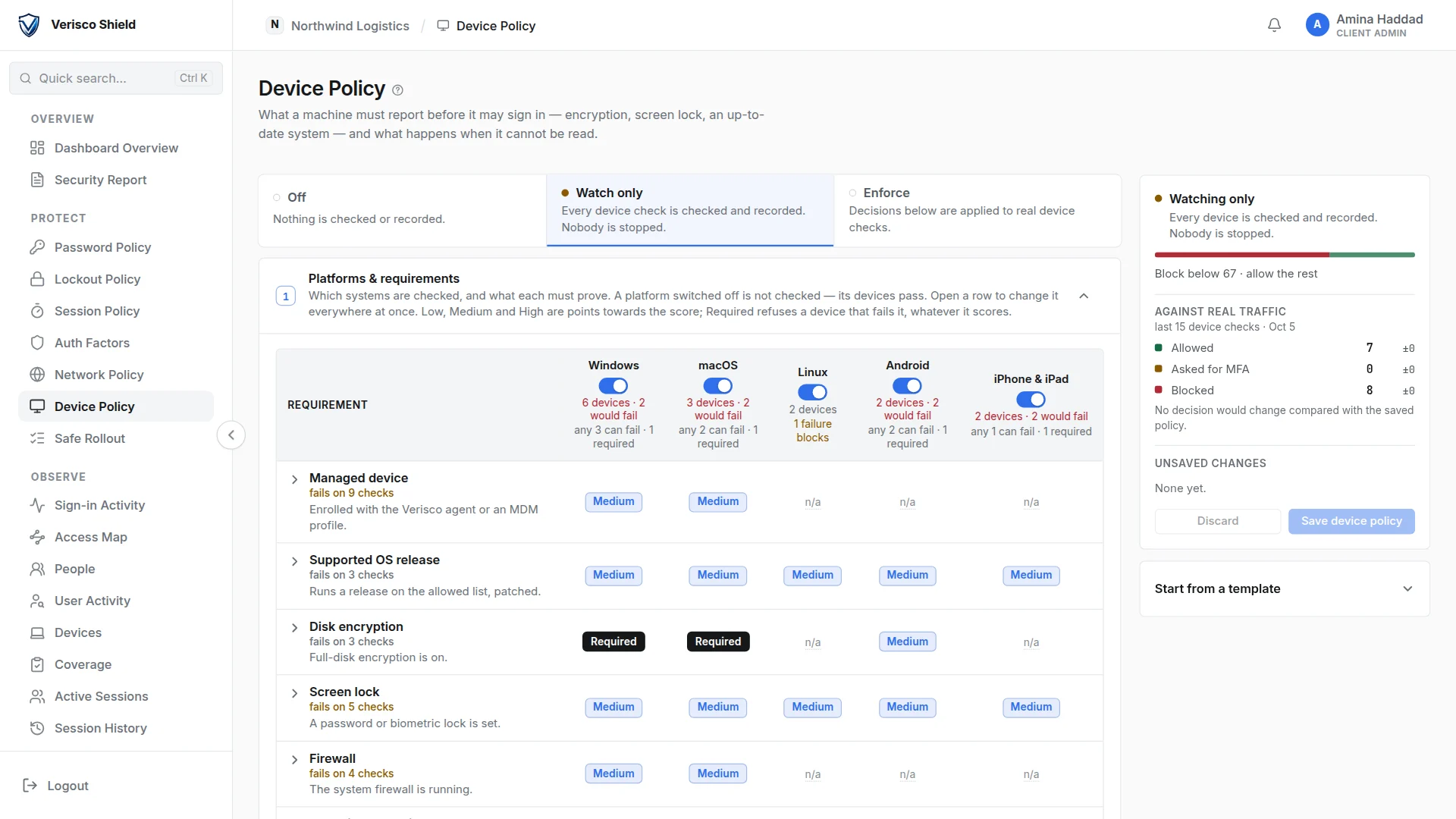
Eleven checks across Windows, macOS, Linux, Android and iOS: disk encryption, firewall, screen lock, a supported system release, endpoint protection, a hardware security chip and more. Each platform has its own requirements, and a device is scored out of 100.

  • Measured by an agent. A small agent reports the machine, and can sign what it reports so the platform can tell a measurement from a claim.
  • Required checks. A check can be marked as required on a platform: failing it refuses the sign-in whatever the score.
  • One machine, one owner. A device is bound to the first tenant it reports to, and the inventory lists every machine with the checks it failed.
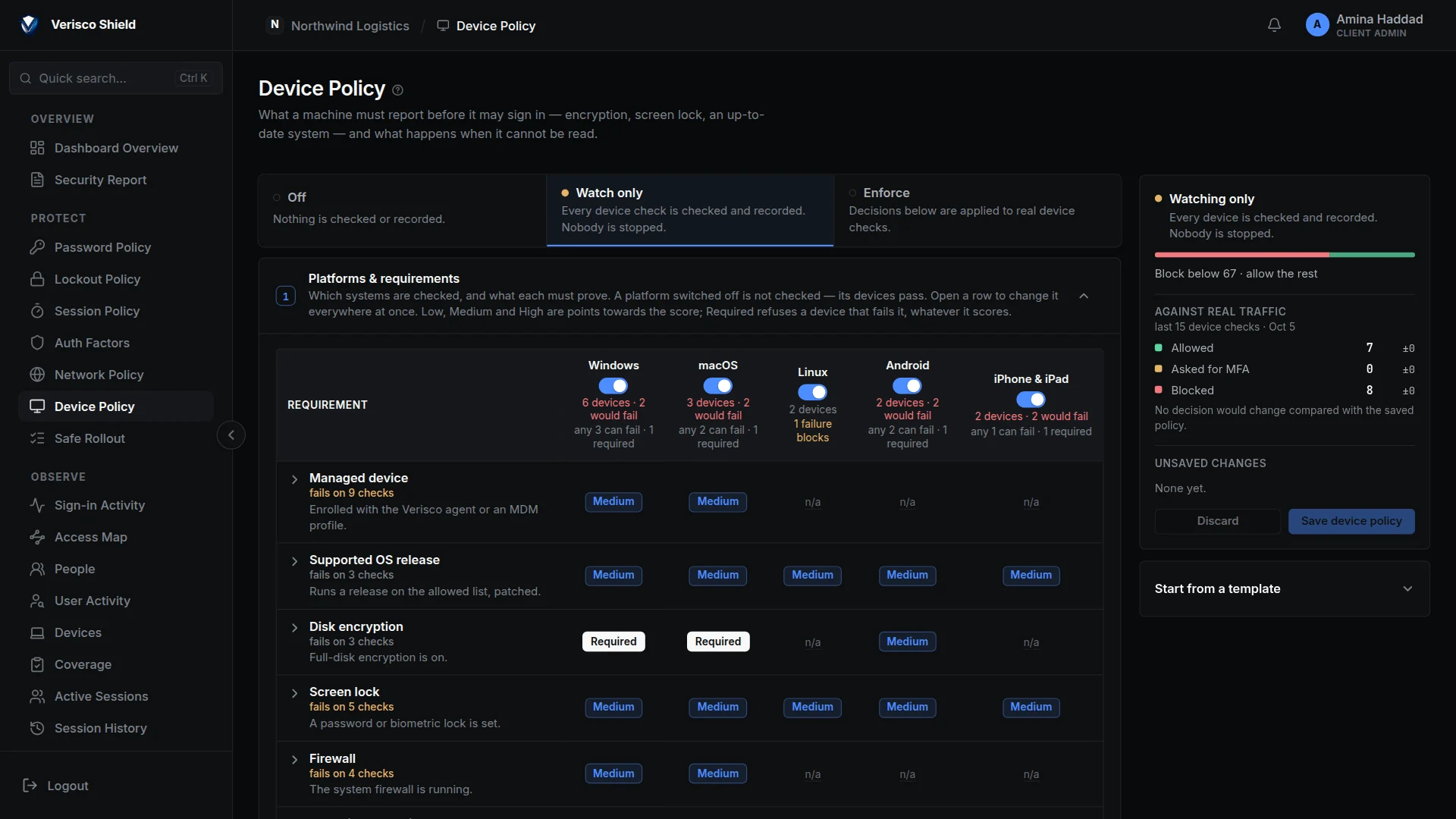
The Device Policy page in watch mode: requirements per platform, and how many devices would fail each one. The Device Policy page in watch mode: requirements per platform, and how many devices would fail each one.
Fig. 4 — The device policy, per platform, with the devices each requirement would stop.
Second factors

Six ways to prove it is you.

An authenticator app is always on. On top of it a client can offer passkeys, a code by e-mail, a code by text message and recovery codes, and confirm a new e-mail address. The person picks the one they have with them.

  • Recovery codes behind a gate. Twelve single-use codes, shown once at enrolment, and the person must confirm they saved them before going on.
  • Passkeys offered, not forced. After a sign-in, Shield offers to set up a passkey; "Not now" is remembered for two weeks.
  • Counted. The Coverage page shows who signed in with a second factor and names anyone who did not.
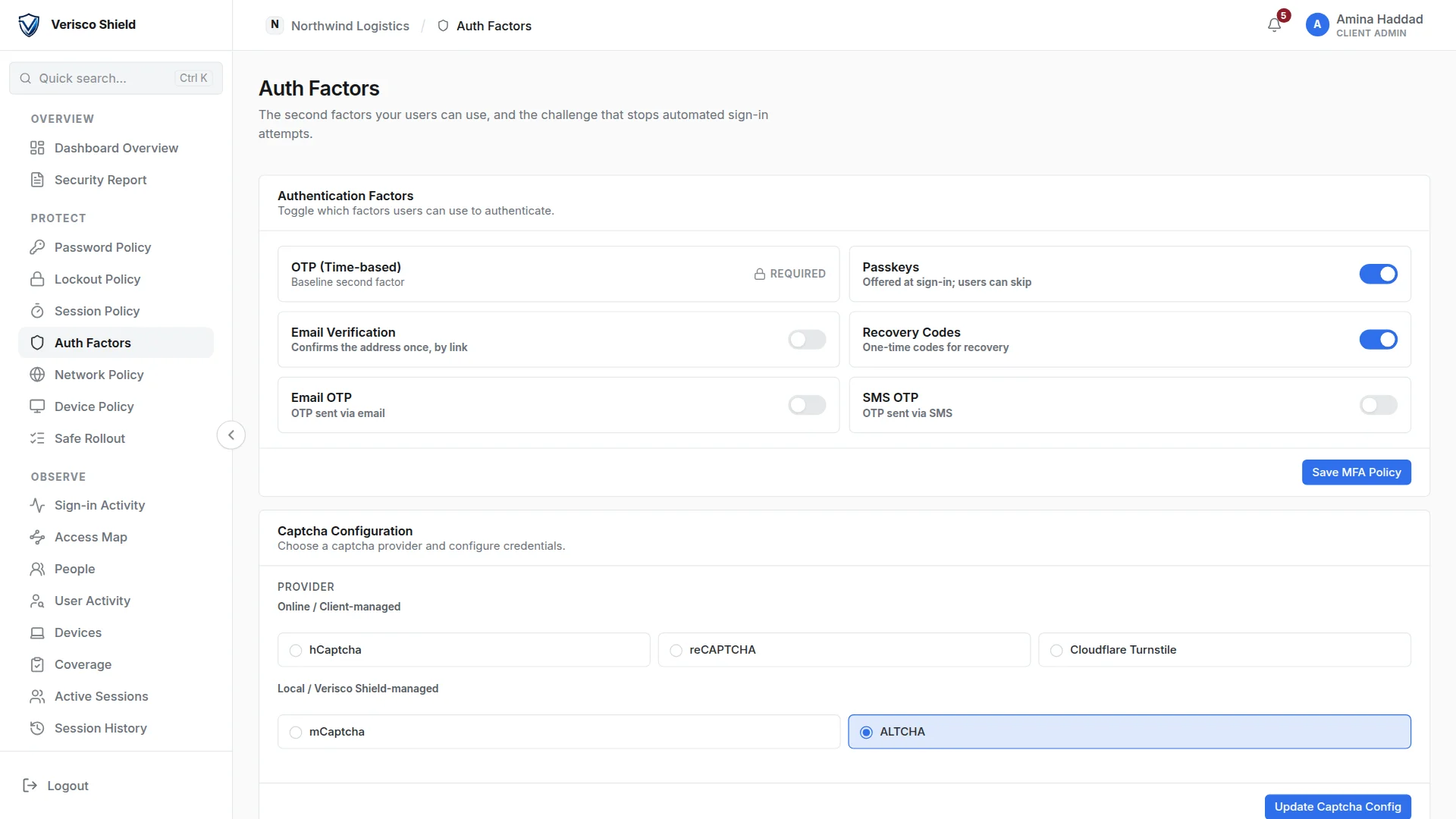
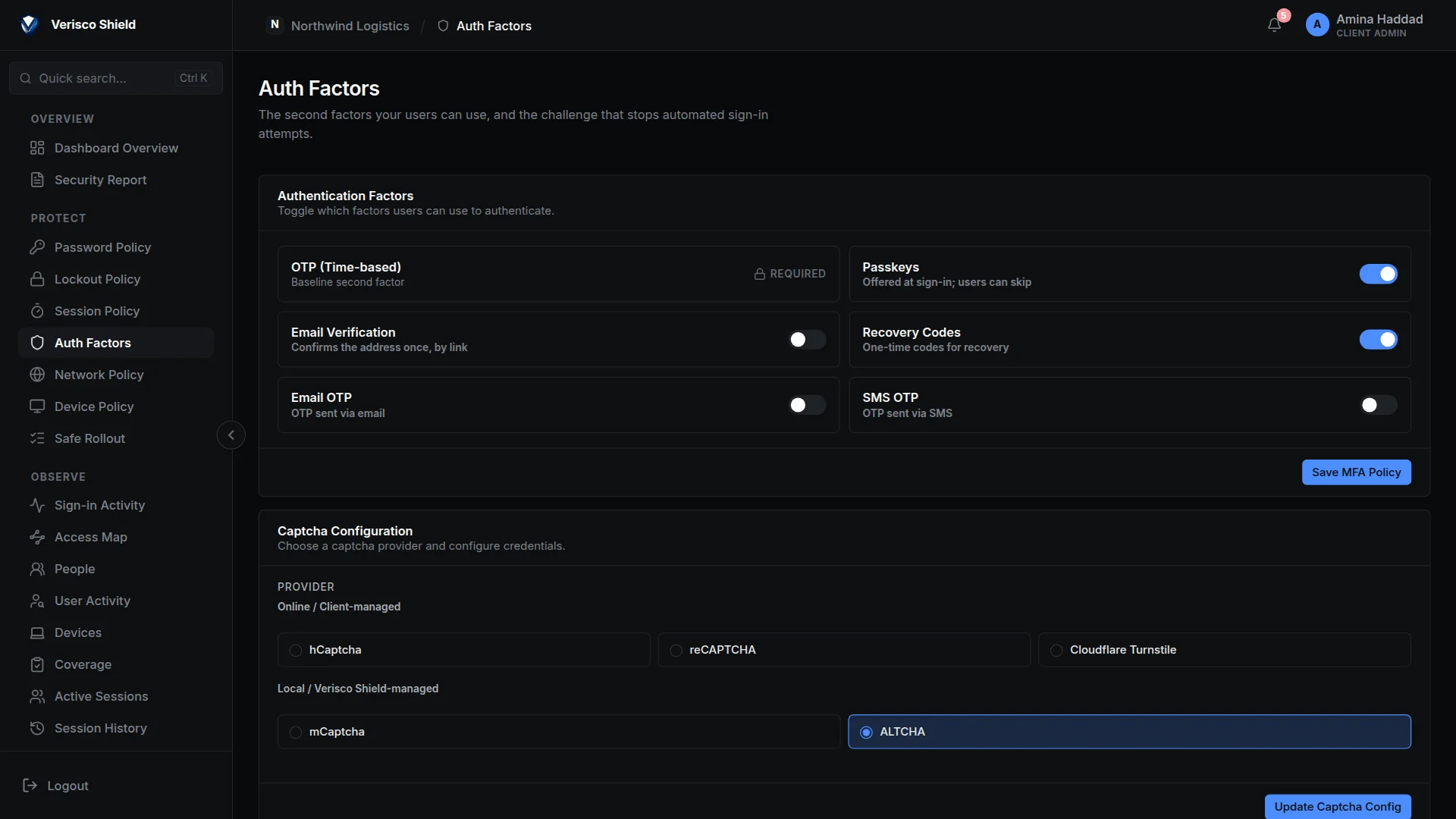
The Auth Factors page: the authenticator app is required, passkeys and recovery codes are on, and the captcha providers are listed below. The Auth Factors page: the authenticator app is required, passkeys and recovery codes are on, and the captcha providers are listed below.
Fig. 5 — Second factors and captcha, chosen per client.
Visibility

Who reached your application, from where.

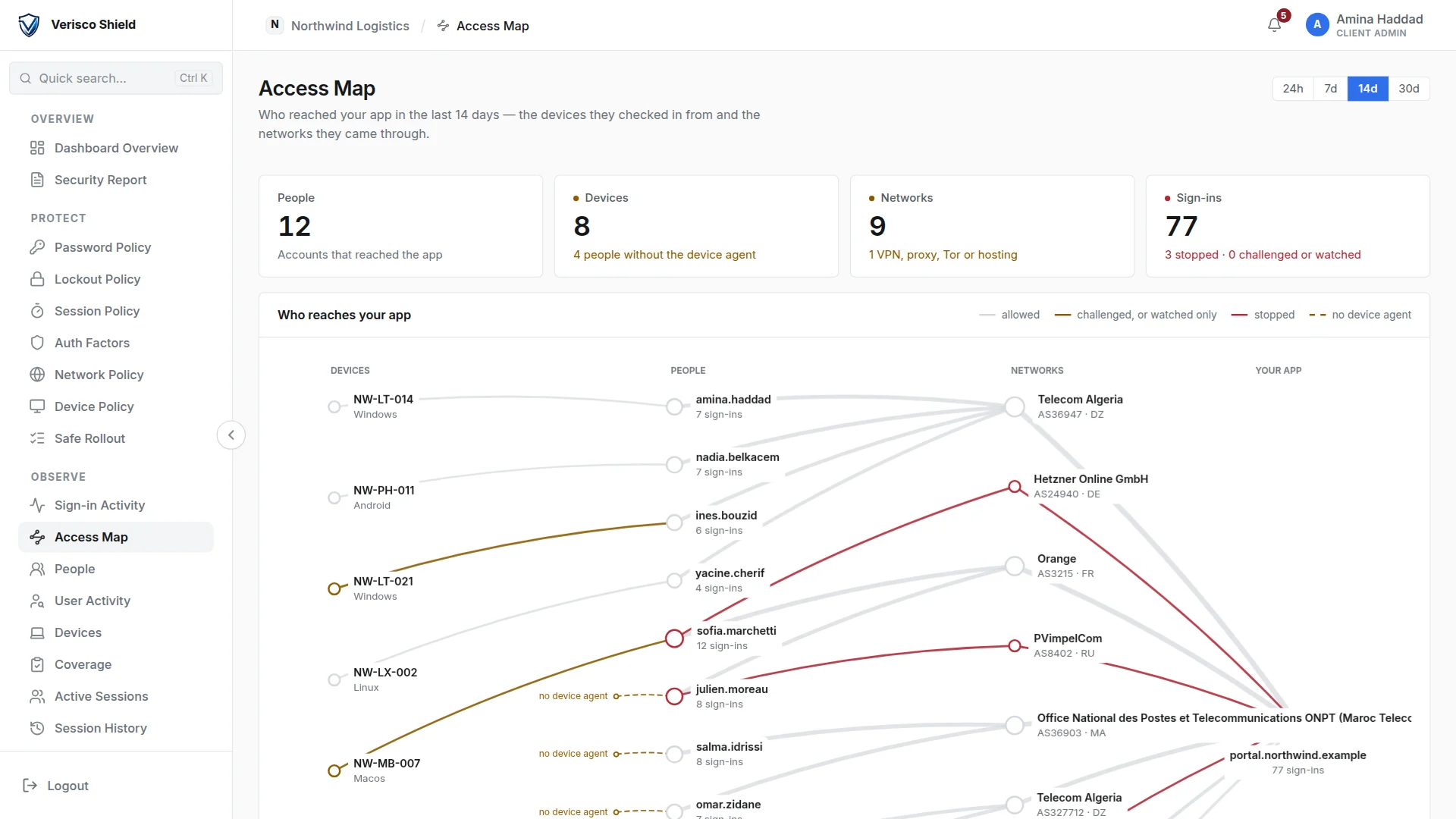
Every judged sign-in is kept with its score and its reasons. The Access Map draws the devices, the people and the networks they came from, with refused sign-ins in red.

  • People, not rows. Everyone who signed in, the ones worth a look first, each with the reasons beside the name.
  • One person's timeline. Sign-ins, refusals, devices and sessions for one account on one page.
  • Alerts. Rules for repeated failures, locked accounts, repeated refusals and new countries, on the console and to your webhooks. A rule can also sign the account out.
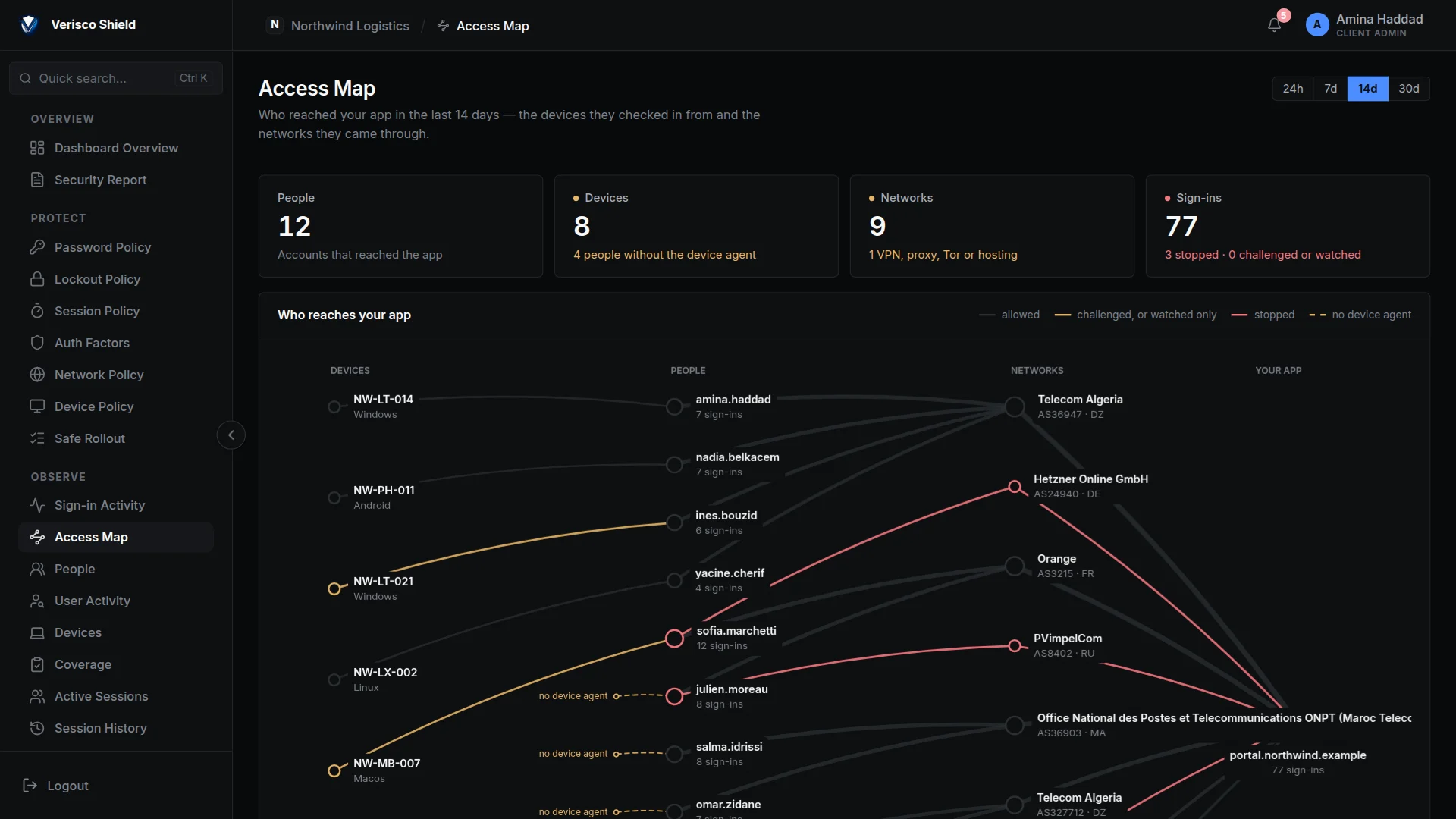
The Access Map: devices on the left, people in the middle, network operators on the right, joined by lines; stopped sign-ins are drawn in red. The Access Map: devices on the left, people in the middle, network operators on the right, joined by lines; stopped sign-ins are drawn in red.
Fig. 6 — The Access Map: devices, people and networks, with refused sign-ins in red.
Sessions

Sessions that actually end.

Signing someone out cuts off the gateway's own session token, not only the identity provider's, so the next request is refused. Open sessions are checked again while they run: when a device stops meeting the policy or the session moves to a network the policy refuses, the session is ended or the person is asked to sign in again.

  • One person or everyone. End one session, one account, or every session of the tenant at once, with the reason written to the log.
  • Idle and maximum lifetime. Set per client, and enforced by the gateway itself.
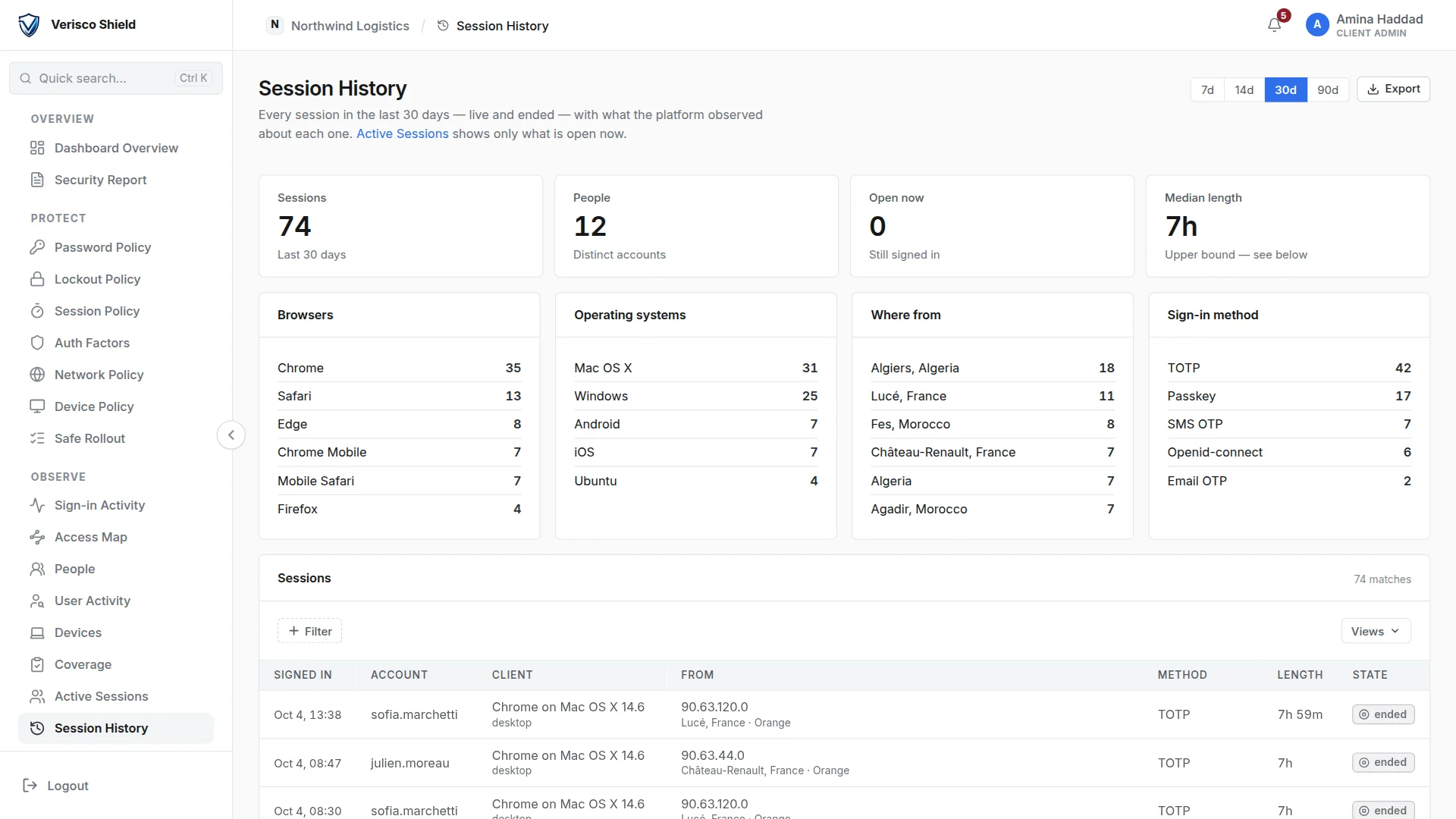
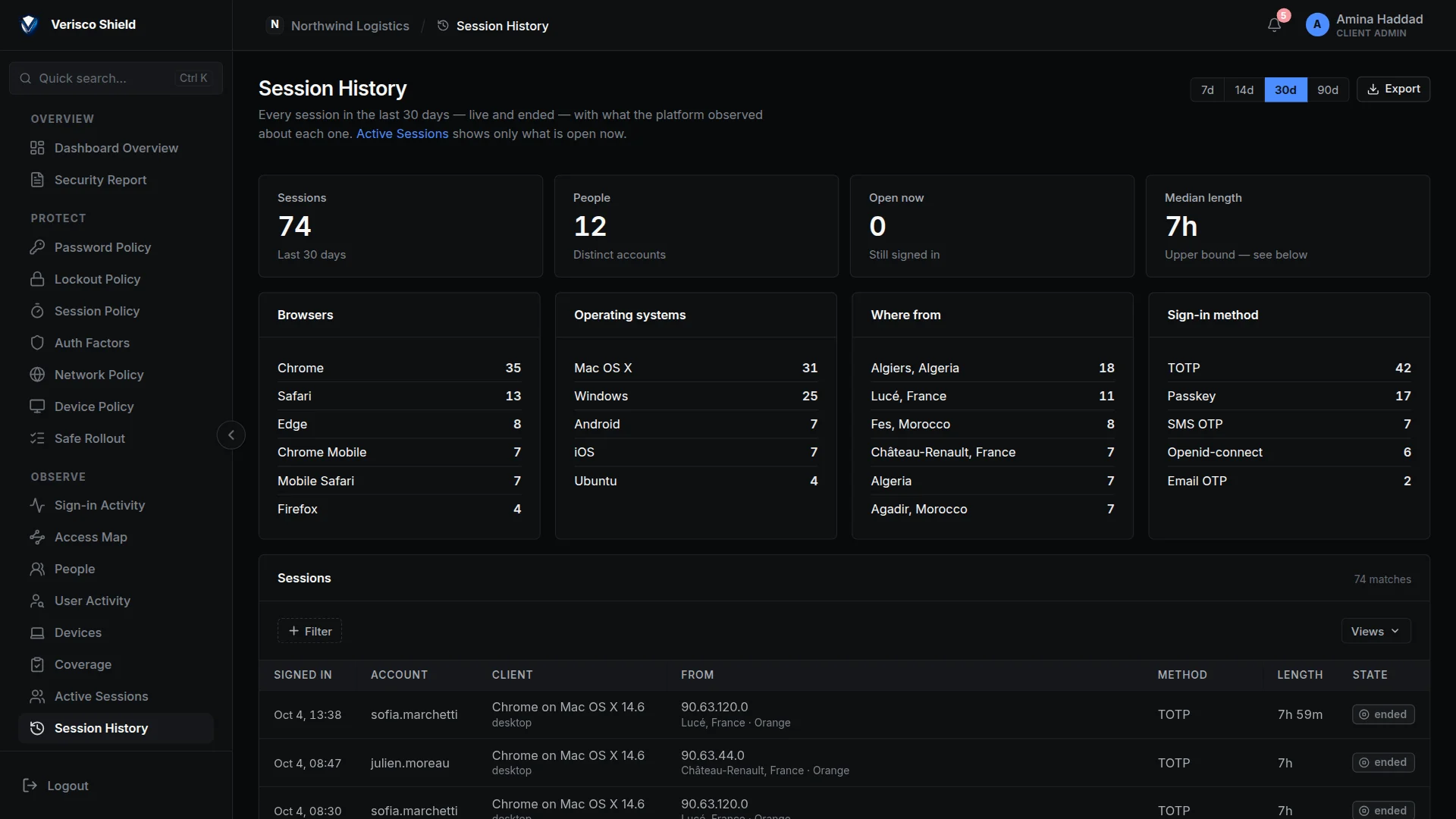
  • History. Every session, live and ended, with the browser, system, place and sign-in method.
Session History: 74 sessions from 12 people, broken down by browser, operating system, place and sign-in method. Session History: 74 sessions from 12 people, broken down by browser, operating system, place and sign-in method.
Fig. 7 — Session history, by browser, system, place and sign-in method.
Safe rollout

From watching to enforcing, without locking anybody out.

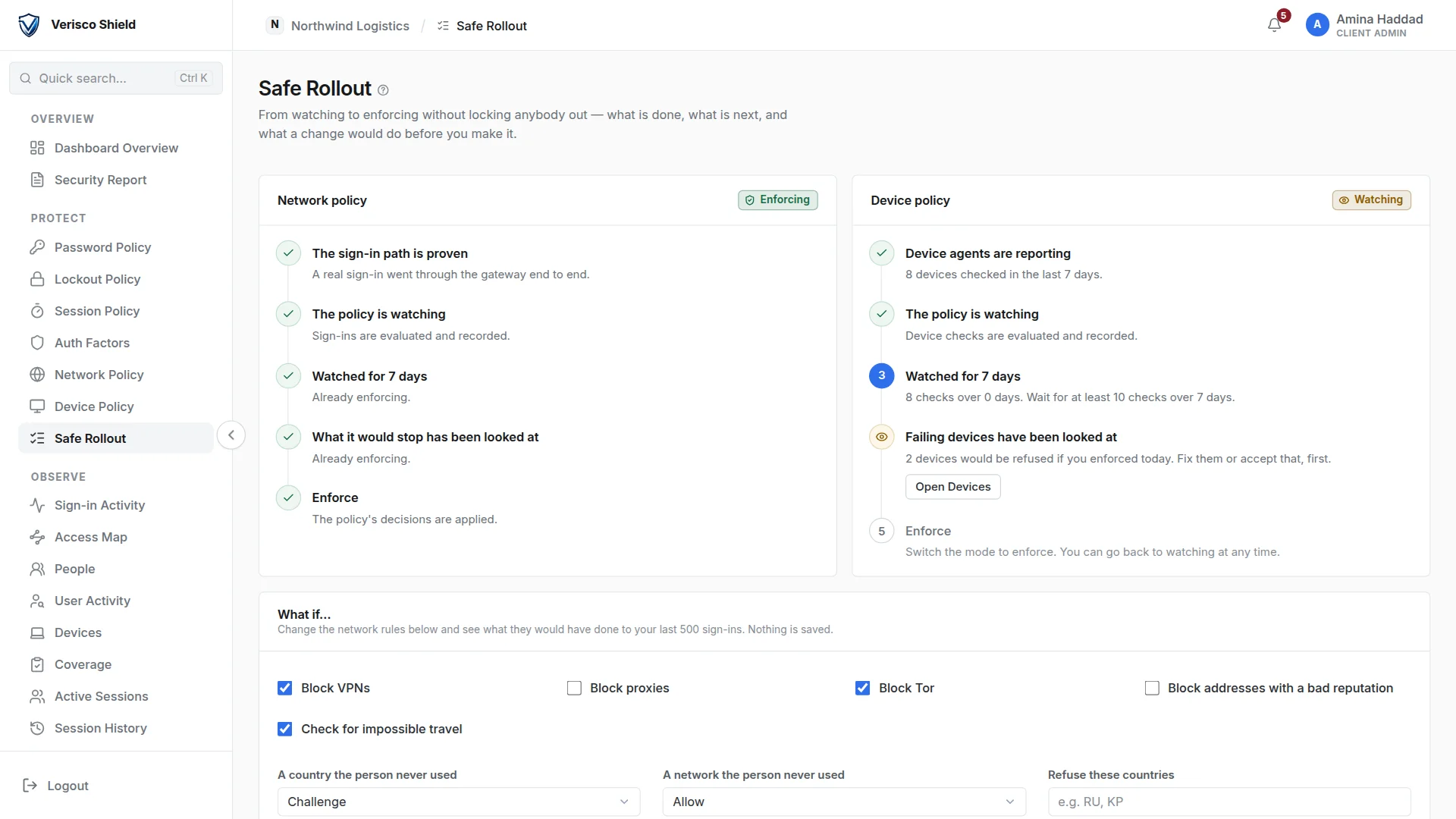
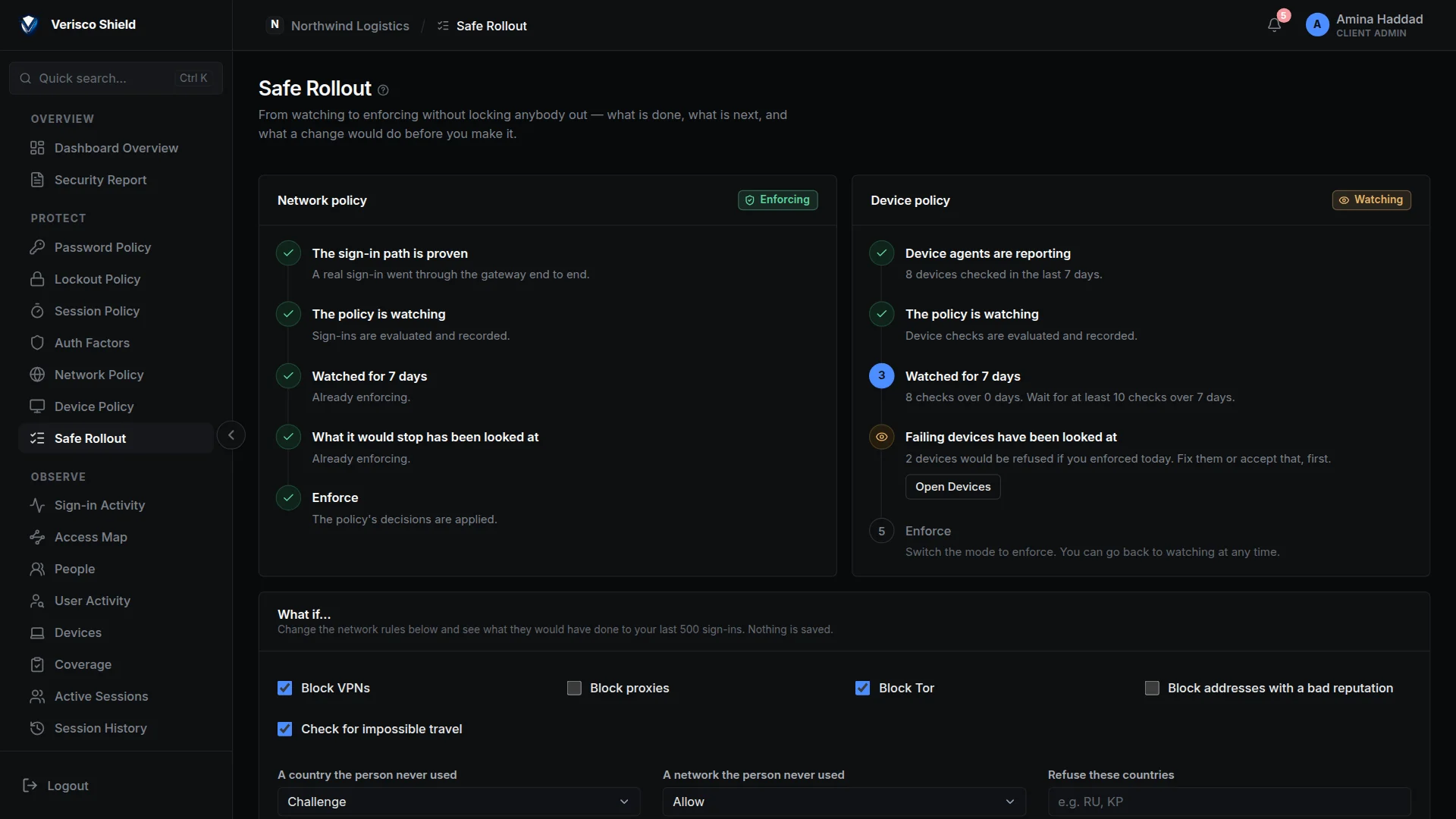
A checklist takes each policy from watch to enforce: the sign-in path proven, a week of watching, the would-be refusals looked at. A what-if replays a change against the last 500 real sign-ins before it is saved.

  • Nothing is changed by a what-if. It runs the new rules over history and shows who they would have stopped. No live device or session is touched.
  • Every change audited. A policy save writes what changed, field by field, to the client's audit log.
Safe Rollout: the network policy checklist is complete and enforcing; the device policy is watching, with two devices that would be refused. Safe Rollout: the network policy checklist is complete and enforcing; the device policy is watching, with two devices that would be refused.
Fig. 8 — Safe Rollout: each policy's path from watching to enforcing, and a what-if.
Underneath

What holds it together.

Configured from a dashboard rather than written into your code.

Identity federation
MySQL user federation over bcrypt, or LDAP and Active Directory, both provisioned read-only. One isolated Keycloak realm per tenant, with per-tenant RS256 signing keys that rotate in three stages: stage, promote, retire.
Audit you can verify
A hash-chained audit log per tenant, exportable as CSV or JSONL and streamed as CEF or RFC 5424 syslog, plus an offline verifier that imports nothing from the platform, so the other party can check the chain without trusting us.
Privacy settings per client
For addresses, location and device details, each client chooses to keep them in full, keep less, or not keep them, and how long sign-in records are kept.
Where it runs

Three ways to put Shield in front of your application.

The checks are the same in all three. What changes is where VERISCO sits, and so who holds the guarantee. You choose one when you onboard, and you can change it later.

Browser VERISCO Your app every request passes VERISCO first

VERISCO gateway

VERISCO sits in front of your application.

Best for
Applications the internet can already reach, in any language or framework.
What you do
  1. Point your hostname at VERISCO.
  2. Give us an address VERISCO can reach (host:port).
  3. Add the VERISCO middleware so your app reads the signed-in user.
Who enforces
VERISCO, in front of your application. Nothing in your code can switch it off.
your network Browser VERISCO Agent Your app the agent dials out

VERISCO connector

A small agent in your network dials out to VERISCO. Nothing of yours has to be reachable from the internet.

Best for
Applications or user databases on a private network the internet cannot reach.
What you do
  1. Run one install command on a machine that can reach your app and database.
  2. Point your hostname at VERISCO.
  3. Add the VERISCO middleware so your app reads the signed-in user.
Who enforces
VERISCO, in front of your application, exactly as with the gateway.
Browser Your app + SDK VERISCO sign-in feed · 30 s

VERISCO SDK

Your application talks to VERISCO directly. Your DNS and your servers do not change.

Best for
Node.js applications (Express or Connect) where nothing can sit in front.
What you do
  1. Install the VERISCO package with npm.
  2. Mount it in your application with your client ID and secret.
  3. Keep your DNS and servers exactly as they are.
Who enforces
Your application, through the VERISCO SDK. Changes reach it within 30 seconds.
Integration

Four ways to adopt it.

Pick the one that matches your stack. The analyzer can write most of this for you, but nothing here is hidden: this is the whole contract.

Any stack

A standard authorization-code flow against your tenant's realm. Nothing VERISCO-specific in your code: if your framework has an OIDC client, it works.

Choose this when you want no new dependency and are happy to handle sessions yourself.

discovery
GET https://auth.example.com/auth/realms/your-tenant/.well-known/openid-configuration

authorization_endpoint   …/protocol/openid-connect/auth
token_endpoint           …/protocol/openid-connect/token
jwks_uri                 …/protocol/openid-connect/certs

Node / Express

Caddy and the auth-injector do the whole OIDC exchange before the request reaches you. The middleware verifies the verisco_session cookie locally against your tenant's public key, with no network call per request.

It accepts a set of public keys, which is what makes a signing-key rotation non-breaking.

server.js
const { verisco, protect } = require('@verisco/verisco-middleware');

app.use(verisco({
  publicKeyFile: './config/verisco_public.pem',
}));

app.get('/me', protect(), (req, res) => {
  res.json(req.user);   // from the verified cookie
});

Node SDK

When you would rather run the sign-in inside your application than put a gateway in front of it. The same package mounts /verisco/login, /verisco/callback and /verisco/logout in your app, and asks the platform what to enforce, so a sign-out still reaches it.

The package is served by the platform, not by npm: the install command your dashboard shows is the one that works.

server.js
const verisco = require('@verisco/verisco-middleware/oidc');

app.use(verisco.oidc({
  issuer:       process.env.VERISCO_ISSUER,
  clientId:     process.env.VERISCO_CLIENT_ID,
  clientSecret: process.env.VERISCO_CLIENT_SECRET,
}));

app.get('/account', verisco.protect(), handler);

WordPress

A plugin, not a code change. It takes over determine_current_user, turns wp-login.php away for anyone signed in through VERISCO, rewrites the logout URL, turns off XML-RPC and guards the REST API.

Your own WordPress administrator can still log in natively, so locking yourself out of your own site during setup is not a possibility.

requirements
VERISCO Security   v1.0.0
WordPress          >= 5.8
PHP                >= 7.4
Licence            GPLv2 or later

Download it from your tenant dashboard.
Integration aid

The analyzer reads your project and writes the integration.

A command-line tool walks your codebase, builds an import graph, and finds the authentication you already use. A model then writes an integration guide for that code, and the tool can apply its edits for you, keeping a backup of every file so one command undoes them. Your source is never written to disk or database on our side.

verify
$ verisco-analyzer verify --api-key <your key>

  ✓ middleware mounted   mounted at server.js:53
  ✓ public key           parses as a public key
  ✓ cookie name          verisco_session
  ! old login            your own login route is still mounted
  ✓ routes protected     your own guard refuses a request without req.user

  Reported to VERISCO: not verified yet (4/16 checks passing)
24 detectors
Eleven auth libraries, six frameworks, four role systems, three session strategies.
16 checks
Five in your code, ten that we run from outside (three of them only in connector or SDK mode), and one real sign-in. The badge cannot go green on the local checks alone.
3 engines
A local model by default, a cloud model only when the operator turns it on, and a template path that uses no model at all.
0 retention
No client source is written to disk or database on the server side, and a credential scan runs on your machine before anything is sent.

See Shield against your own application.

Tell us what you run (the framework, the user store, and roughly how many accounts) and we will tell you honestly whether Shield fits.